Size a part for the job
Start with a bracket, washer, hook, standoff, or box-and-lid template. Enter dimensions in millimeters or inches, then measure distances, gaps, and angles directly on the model.

Browser-based design software
Design the part you need. Right in your browser.
Visit Ez3D (opens in a new tab)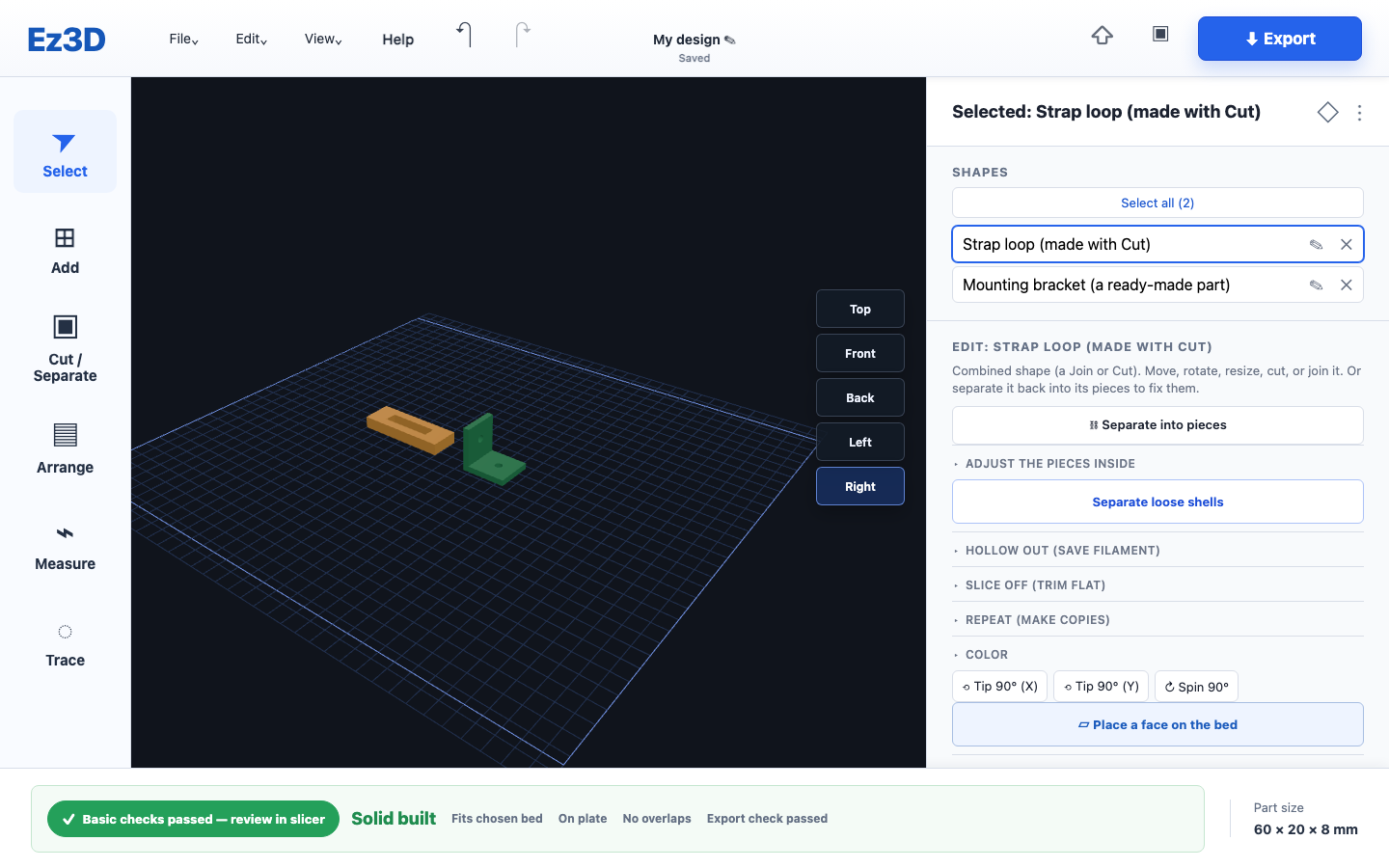
The problem
A small part can start with a few measurements, a worn cover plate, or a mounting point that needs an adapter. Makers need a way to turn that specific need into a model without first learning a complex design system.
What we built
A browser-based part designer with direct size controls and tools named for the work: cut a hole, join shapes, round an edge, or make a part hollow.
No account is needed. Designs and files stay on the device, with local autosave and offline use after one complete online load.
Build from a template, trace an existing part, or work with a model you already have. Core design tools and STL export are free; Pro adds specialist tools and file options.
Compare free and Pro features (opens in a new tab)Start with a bracket, washer, hook, standoff, or box-and-lid template. Enter dimensions in millimeters or inches, then measure distances, gaps, and angles directly on the model.
Use a photo of a gasket or cover plate to capture its outline, set the scale, and turn it into a model. You can also draw the outline by hand.
Join pieces, cut openings, hollow out a body, or soften edges with a round or bevel. Repeat a shape in a grid or around a circle instead of placing every copy individually.
Pro includes nuts, bolts, threaded rods, and tapped holes with an adjustable fit gap. Counterbore and countersink tools let you recess screw heads into the part.
Pro imports STL and 3MF files. Sealed solids can be resized and combined; open or highly detailed models can be used as reference parts. Some small mesh gaps can be repaired.
Basic checks flag bed fit, placement, thin overall dimensions, and overlapping parts. Export STL for your slicer, or 3MF with Pro, then review orientation and print settings there.
Ez3D turns a technical task into a visual tool people can use themselves. Tell us what your customers need to design, configure, or work out.
Request a free consultation