Bring reminders in automatically
A forwarding rule sends renewal emails to the company’s Ez1Call address. The office can set up the intake once rather than move each reminder into another system by hand.
Business automation
Less inbox chasing.
A clearer renewal process.
Built for Missouri excavation contractors. Access by invitation.
Visit Ez1Call (opens in a new tab)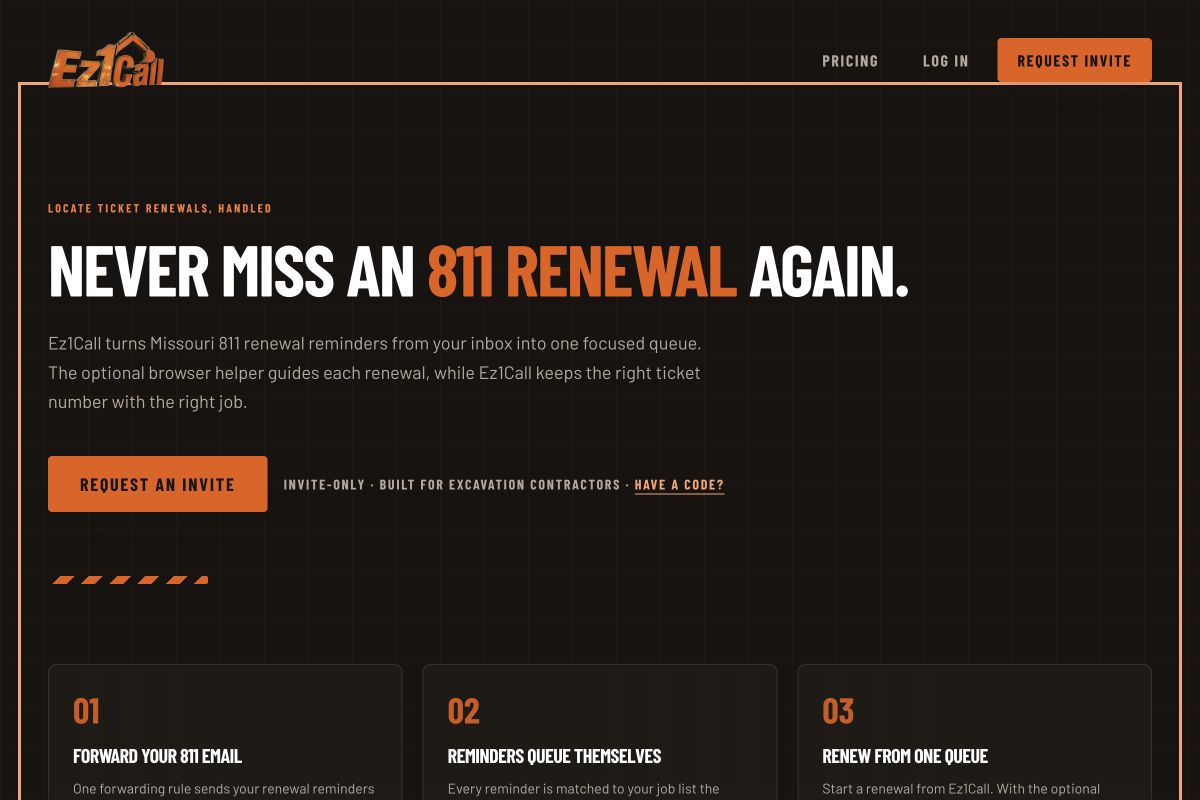
The problem
The office still has to find the right job, work through the renewal, and record the replacement ticket number. Across multiple jobs, that means searching email, checking status, and keeping records in sync by hand.
What we built
Ez1Call connects Missouri 811 renewal reminders to the contractor’s job records and gives the office one place to manage the work.
Email intake, task status, and optional browser assistance fit around an existing process. The goal is fewer manual handoffs between the reminder, the renewal, and the job record.
An independent tool. Operators remain responsible for checking official 811 tickets before excavation.
Each part of the workflow handles a specific piece of office admin, while the team stays responsible for the renewal and official ticket checks.
A forwarding rule sends renewal emails to the company’s Ez1Call address. The office can set up the intake once rather than move each reminder into another system by hand.
Incoming reminders are matched against the job list. The ticket and the work it belongs to appear together, reducing the need to search through email to make the connection.
The renewal queue shows what needs action and what has been completed. The office has a shared place to review status before moving on to the next job.
A digest brings reminders into a summary email. Staff can review the work together instead of piecing it together from separate reminder messages.
Start a renewal from the queue. With the optional Chrome helper installed, it guides the official 811 screens as part of the workflow.
The browser helper saves the replacement ticket number back to the corresponding job. That connects the renewal result to the record the office returns to next time.
If your team keeps moving details from email into another system, there may be a better way to connect the steps. Tell us where the repeated work happens.
Request a free consultation